HyperCodeMotion: AI Motion Graphics Generator & Prompt-to-Motion JSON Video Editor. AI generates.
You edit without regenerating.
Scroll through what you can already do in the studio, from the first idea to the MP4.
Try for freeRuns in your browser · your files are never uploaded to any server · exports MP4
Start from
real templates.
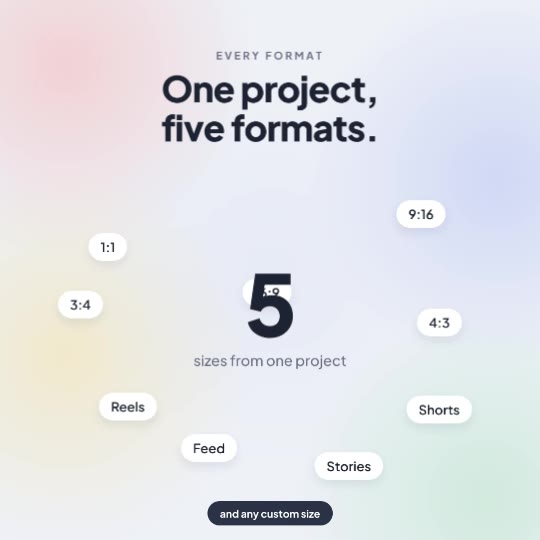
Pick an animation, change texts, colors and format (9:16, 1:1, 16:9…) and export. Every one is editable.
Bring your stuff.
We animate it.
An image, a PDF, layers in a .zip, your voiceover, your music or a video. One question per screen, then pick from several takes.
Your Claude creates.
The studio opens it.
With the MCP connector, Claude hands you a .hcmotion file ready to edit. No pasting code, no giant JSON.
Change one number.
Spend 0 tokens.
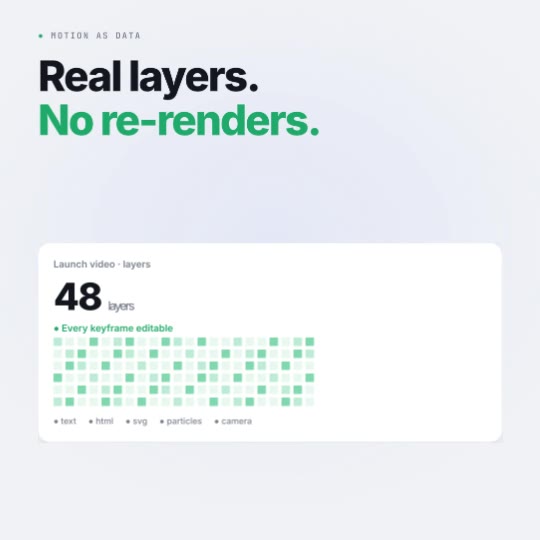
Every layer, text and keyframe stays editable on a real timeline. See it instantly and export MP4 when you're ready.
Your video,
edited with you.
Choose how you want it, AI marks the key moments and you review the timeline with notes before exporting.
Your project,
always editable.
Save your .hcmotion and reopen it anytime, right where you left it. Free during early access.
Open the studioStart from a finished motion.
Real animations recreated as editable projects. Open one, change the texts, colors and timings, and export MP4 without spending tokens.
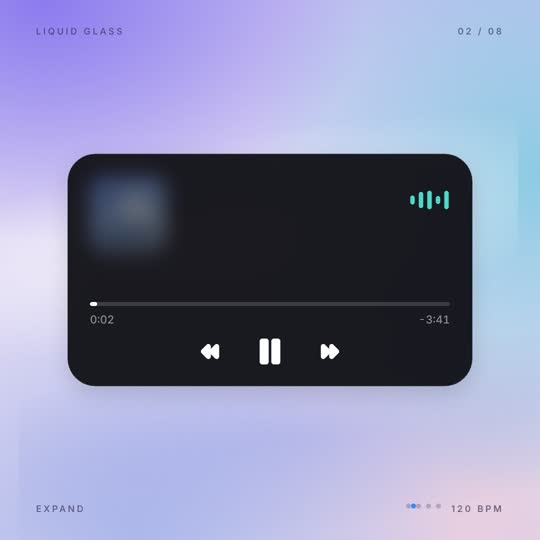
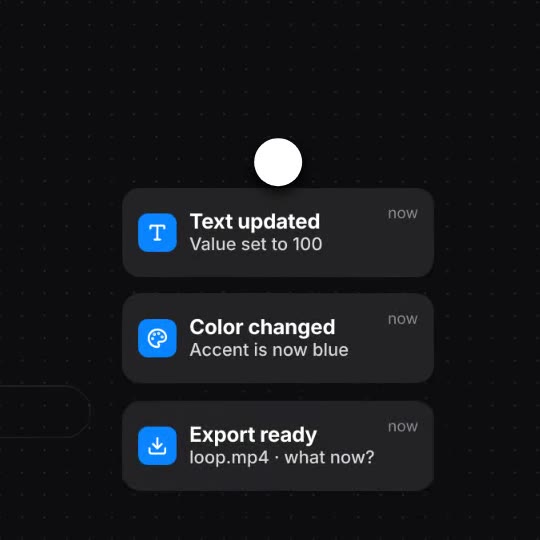

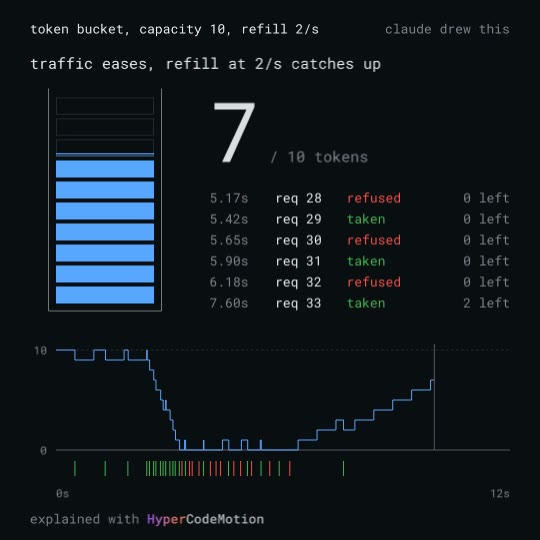
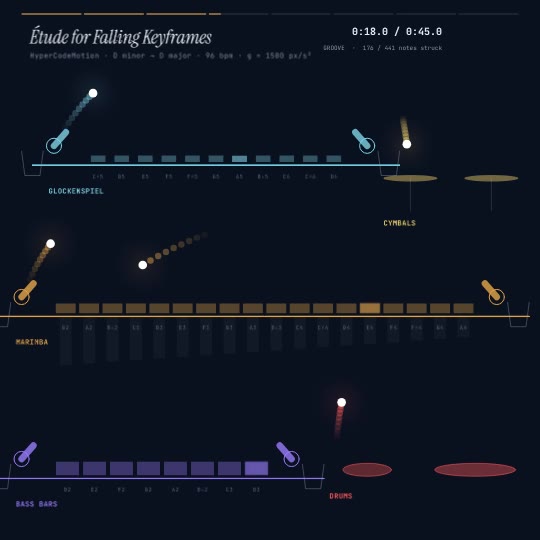
Change a value and see it instantly.
Open StudioThis is how editing works in HyperCodeMotion: change the color, the number, or the text and the animation updates right away, with no AI call and no tokens spent.
Focused on one thing: motion graphics animation.
Read the docsHTML & CSS scenes, sound made with code, and MP4 export. Learn how every part works, in detail, in the docs.
<section class="hero">
  <h1 data-motion="rise">Final price</h1>
  <b data-motion="count">49 €</b>
</section>
HTML & CSS scenes
AI designs like modern web layouts, and motion stays as editable data you control.
bd*4, [~ sn]*2, hh*8Code-powered sound
Audio effects that sync to animations, beats, and melodies. Plus your own voiceover and music.
Export MP4 without leaving the browser
Render frame-by-frame with full audio mixdown. No software install and no file uploads to servers.
AI composes. You edit. Without overpaying.
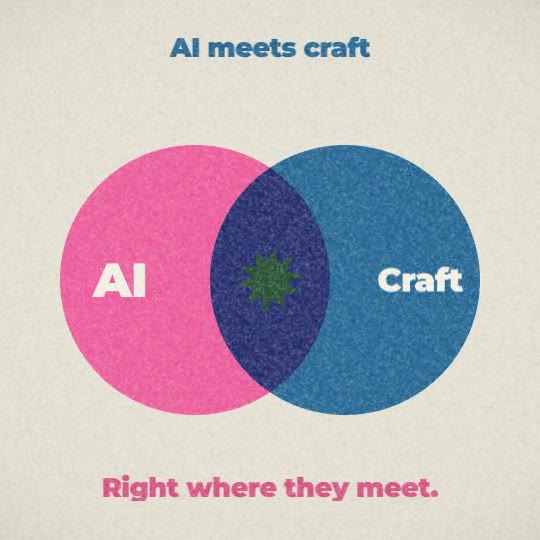
We don't compete with AI: we use it to compose. And you don't need expensive, complex professional software just to adjust an animation.
| HyperCodeMotion | Prompting AI for every change | Professional software (After Effects) | |
|---|---|---|---|
| AI composes the scene | via plugins | ||
| Change a value without rebuilding everything | |||
| See the result before exporting video | |||
| Cost per adjustment | 0 tokens | ≈ entire animation | — |
| Price | affordable | tokens on every change | expensive license |
| Learning curve | low | low | steep |
| Focused on motion graphics | general-purpose | ||
| Runs in browser, no install |
Common questions.
HyperCodeMotion is an AI motion graphics generator and code-first JSON animation editor that runs in your browser. AI generates kinetic typography, UI animations, and SaaS promo videos in an editable JSON format, and you fine-tune every layer, keyframe, text, color, and audio on a visual timeline before exporting to MP4.
HyperCodeMotion uses a prompt-to-motion JSON workflow that eliminates full video regeneration: the AI composes the scene in JSON, and you make edits by hand with 0 token cost. Traditional AI video generators require regenerating the entire clip for any text or timing change (burning over 100,000 tokens or GPU credits) while risking visual inconsistency.
Yes. You can generate scenes by pasting prompts into Claude, ChatGPT, or Gemini, or connect Claude Desktop and Claude Code directly via the official HyperCodeMotion MCP (Model Context Protocol) server to create, inspect, and automate motion graphics projects.
No, you can use any free or paid AI model, or start from our 39+ editable motion graphics templates. Features like voiceover-to-video (Whisper) and Canva PDF layer animation work completely without AI.
No, HyperCodeMotion processes 100% of your files locally in your browser. Images, audio, Whisper voice transcription, and WebCodecs MP4 video export run entirely on your device with absolute privacy.
Yes. Simply export your Canva design as a PDF, and HyperCodeMotion automatically splits it into individual layers with original texts and coordinates, ready to animate manually or with AI.
HyperCodeMotion is completely free during its early access phase. Future subscription tiers will be announced well in advance.
HyperCodeMotion combines the code-driven precision of Remotion with the visual timeline ease of Jitter and After Effects. Unlike After Effects or Remotion, you don't need heavy desktop software or manual React coding: AI generates the JSON scene and you polish it visually in your browser.
Your next animation,
editable from the very first second.
Free during early access. No account required, no software to install.